
When we talk about content marketing, your audience should be able to engage with you. Otherwise, there is no use in creating content. A brand becomes successful only when content is created amazingly. No wonder in today’s time content is everything. Every brand’s backbone is its content. However, no one is perfect and it is fine to make some mistakes while writing.
Many brands hire professionals or content marketers to edit their content. The reason behind editing your content is a time-consuming and tiresome task. But everything can be done smoothly by getting your hands on these five amazing editing tools mentioned below. These tools will not only help you polish your content but will help the audience engage with it.
Hemingway Editor
If you believe that you are a content creator than an editor then Hemingway Editor is the best option. This editing tool will help you in editing your text as well as improve your skills. You simply need to paste the content and its color-coded highlighting will allow you to make improvements. These highlighted parts are basic grammar mistakes or spelling mistakes that you need to edit.
Proofread Bot
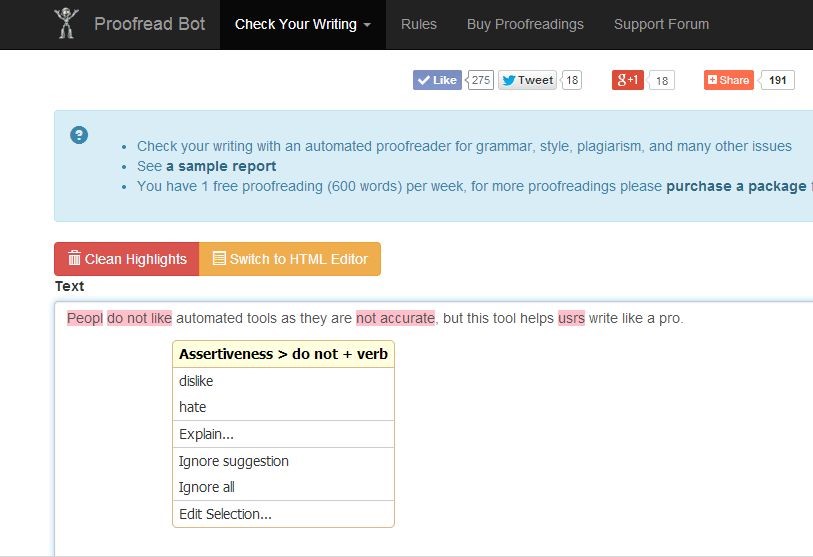
This tool has a free as well as premium version. The free version of Proofread Bot allows the user to rectify simple style as well as grammar errors. Whereas, the paid or premium version check all the deep errors and check plagiarism. You need to simply paste the file and the tool will offer you suggestions. One can also download the tool into programs like Microsoft Office, Google Drive, etc.
Grammarly
Everyone is aware of this tool. It is not just to correct the grammar or spelling errors but helps you to improve readability and improve vocabulary usage. This tool also has a built-in plugin that offers various suggestions while you are operating different apps or websites. This is a great editing tool that can be useful for you in the long run.
Ludwig
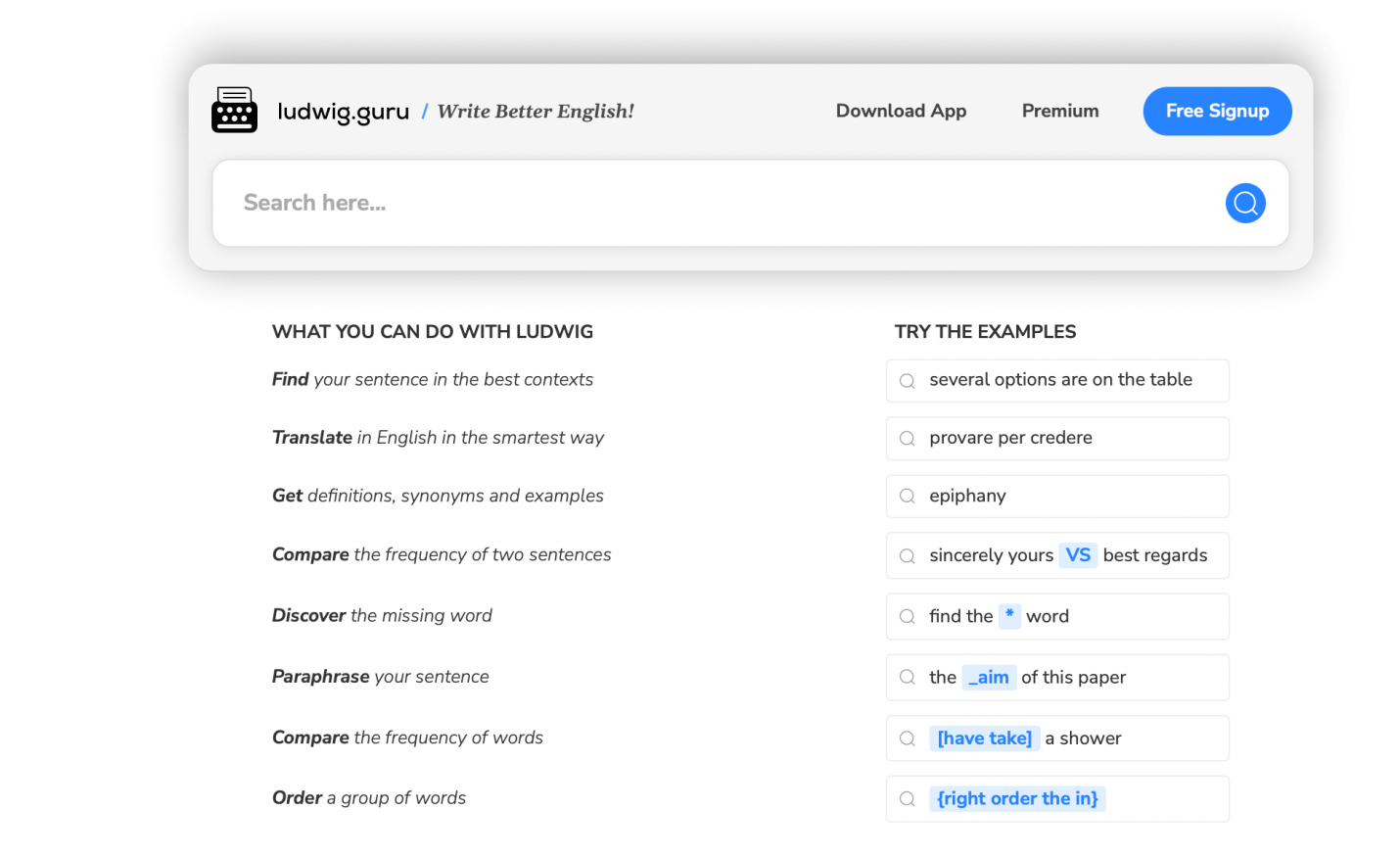
Another editing tool that one needs to know about is Ludwig. This is a sentence search engine which that offers unique and amazing features to improve your content. This advanced platform allows one to paraphrase sentences, compare, as well as find missing words, etc. One can also download is an app that offers the benefit to use Ludwig from wherever and whenever.
CoSchedule’s Headline Analyzer and Email Subject Line Tester
No matter if you are writing a blog, writing an email newsletter, or creating a pitch for your editor, etc. it is essential that you have an eye-catching headline that sets your content apart. Both these tools are amazing to test as well as figure out various titles that grab the attention of your audience. Also, the tools allow you to optimize various key components.

Infogram
If you are into visual content marketing then you must use this tool to enhance your content’s quality. It is a sure-shot fact that visually rich content garners more views and attention of online audience. Infogram is the tool that will help you to create visually attractive content through it’s inbuilt templates and designs. If you want to make a chart then simply pick any template to add charts, graphs, videos, etc. And, simply publish and share via share buttons. The best part is that the tool gives you customized templates, and one can easily customize images, titles, colors, chart data, etc within a few clicks. Hence, if you want to make your content visually enticing with charts, data presentation, and infographic information then Infogram is the tool for you.
Trello
If you are an ardent content creator then it’s very important to have a tool to track, share, and review your content, and make an editorial calendar to bring your team on the same page. After all, it’s important to stay on the same page when you have a team to work on some big projects. The tool will help you to pay attention to every project at a time through it’s Trello Board. One can easily organize multiple projects using the tool and filter the sections for team members. It will also help you to check the real-time updates on the project/s, sections, and parts without missing out on any details.
The tool will help you to bring your team on board without spending much time on emails, messages, and follow-ups. Just use Trello and via Trello card to get the status from the particular user about the work.
Microsoft’s Snipping Tool
If you are looking for a powerful content editor then nothing beats Microsoft’s, Snipping Tool. It is an effective content editing tool that will save your time a lot. Be it taking screengrabs,, crossing out content, highlighting sections, adding suggestions, or inserting arrows, it will help you with all of that within a few clicks. Just create a snip, save it and share on emails or chat windows across all the platforms. In fact, the tool can also be used for business projects and training materials. Professionals can create stunning layout designs or offer feedback for web pages.
Canva
this tool has literally created a wildfire in the digital content world. It’s one of the most sought-after tools to create visually enticing content for social media pages, businesses, etc. One can easily create stunning graphics, images, logos, banners, portfolios, etc. It gives a versatile range of fonts, shapes, icons, images, designs, templates, pre-sized social media templates, and a lot more to create attractive visual content without making much effort.
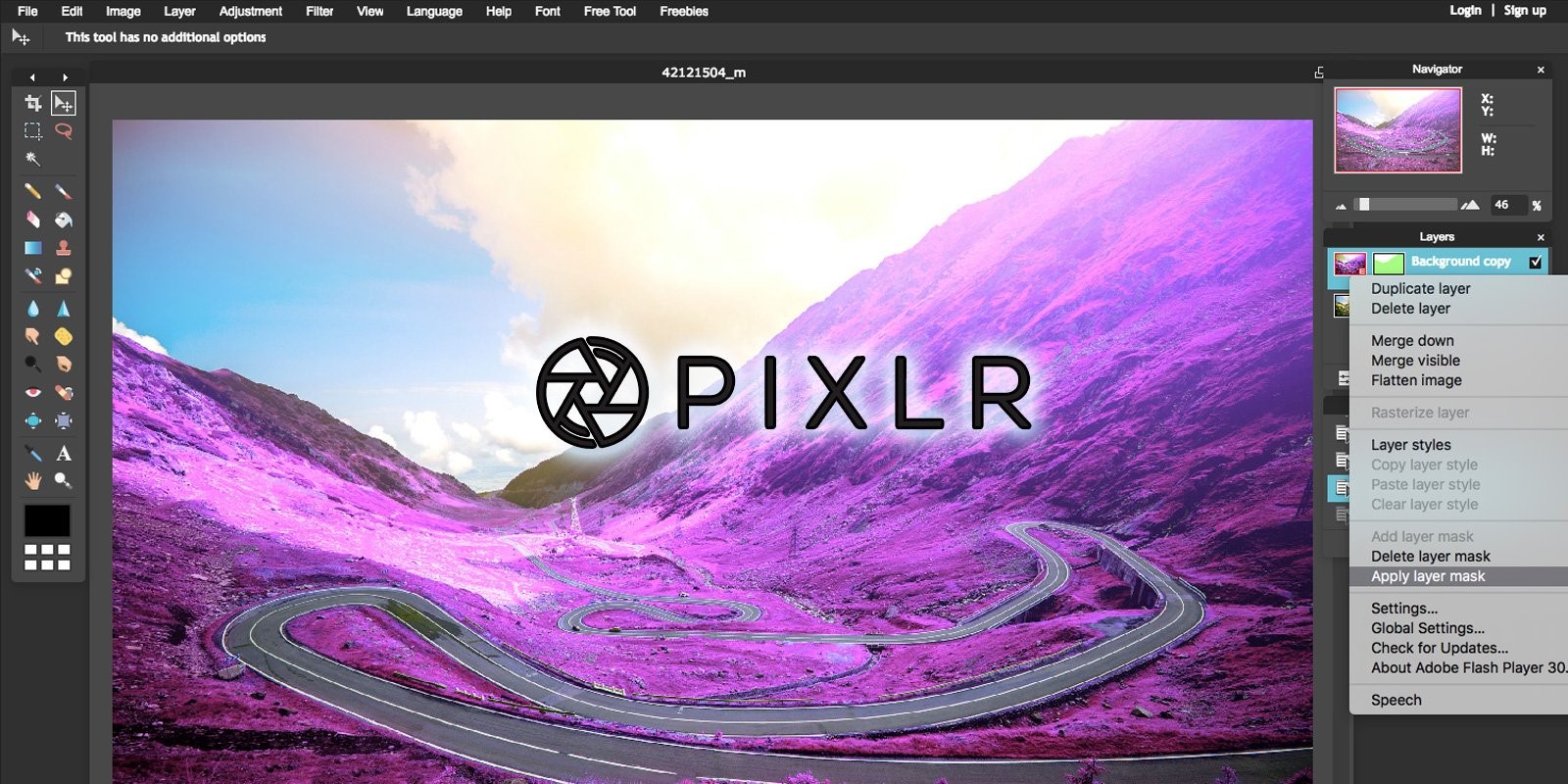
Pixlr
The PhotoShop lovers will definitely enjoy this tool for their work. It is a free-to-use tool that offers features of PhotoShop, incredible design tools, and editing features. Those who are into memes creation or visual content creation can use Pixlr for resizing pictures, removing image backgrounds, applying quick fixes, creating stunning graphics for social media sites, and a lot more.
Conclusion
If you are working towards engaging your audience and want to enhance the content engagement for your brand then it is essential to use one of the above-mentioned editing tools. All of these editing tools offer amazing features which can refine your content for the readers and help you to make engaging content for your audience.